When cancelling a match there are a couple of rules to it:
- Host with no Attendees (Delete):
- More than 15 minutes before start → refund of 4 Stamina
- Less than 15 minutes → no refund
- Host with 1 Attendee:
- More than 8 hours before → refund for both Host and Attendee
- Less than 8 hours → refund only for Attendee
- Host with 2+ Attendees (Void only):
- More than 8 hours before → refund for both Host and Attendee
- Less than 8 hours → refund only for Attendee
Voiding a match means that the match is not available anymore but the attendees’ registered info is available to the registered users in order to allow attendees to look for each other in case they still want to play
Users on the waiting list are always refunded automatically after the lobby starting time.
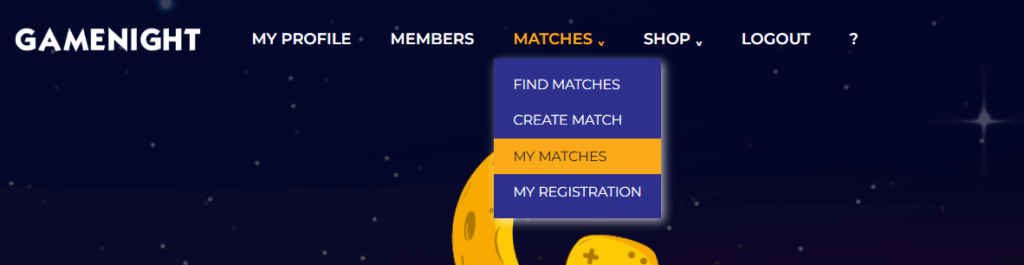
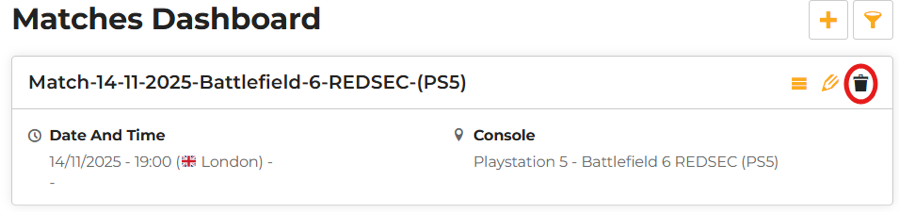
To cancel a match go on “My Matches” in the “Matches” drop-down menu and click on it. You will find a small bin icon on the right, click on it.