
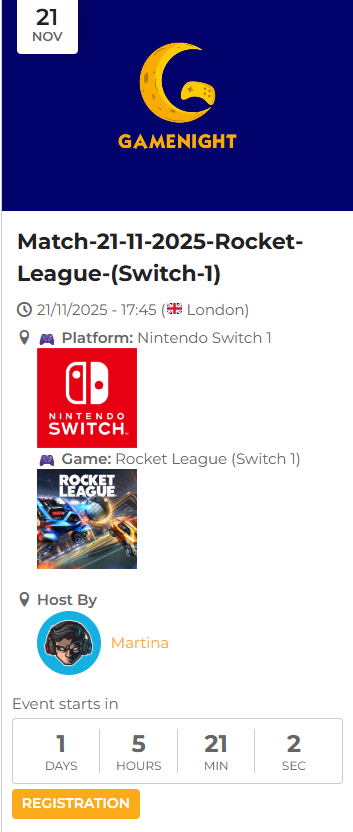
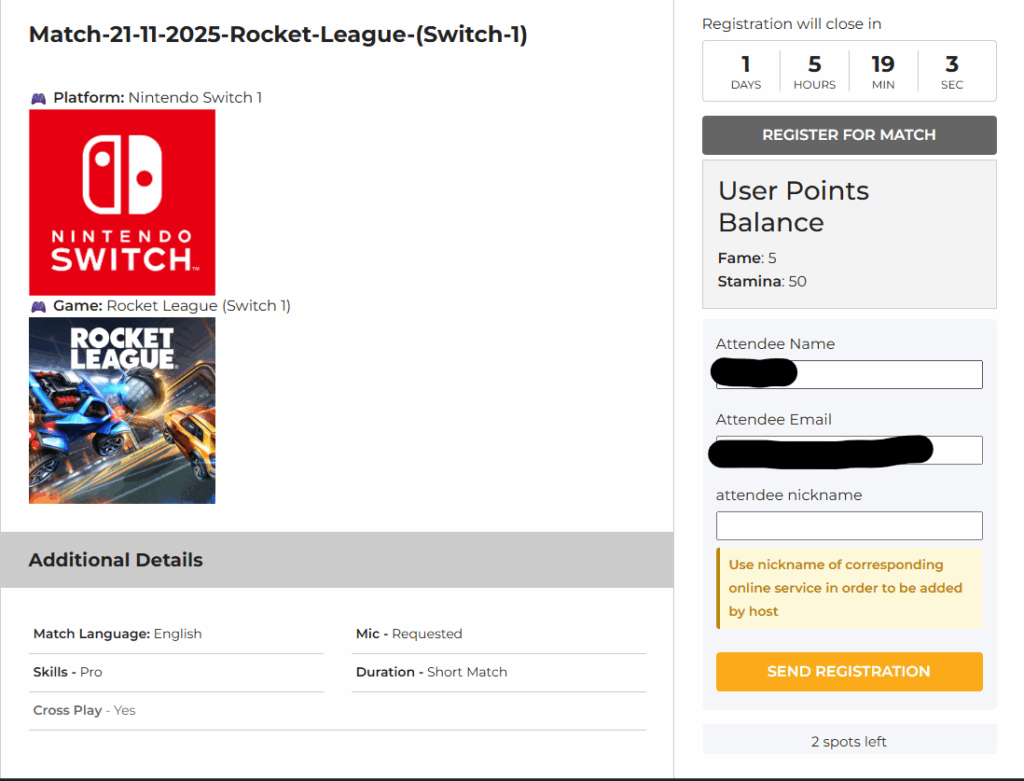
Registration allows a user (Attendee) to join a Match.
It costs 2 Stamina points.
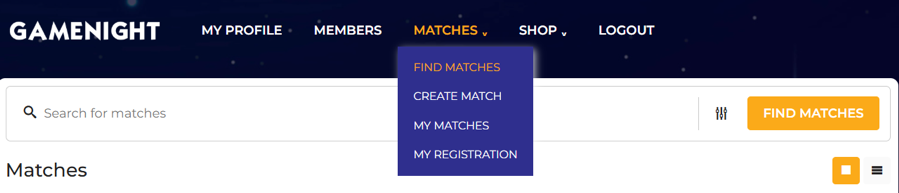
To register for a match head on “Matches” in the top menu and hover over it. Select on the drop-down menu “Find Matches” and click on it
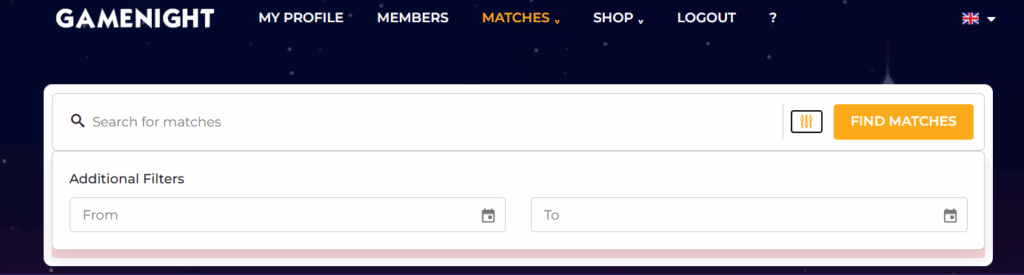
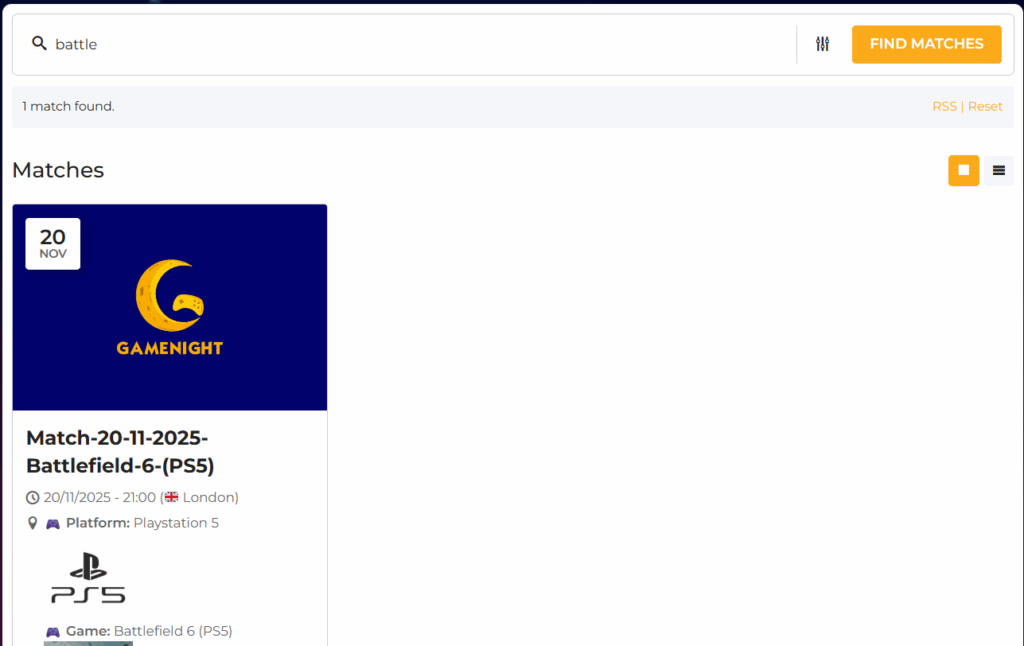
You will arrive on a screen with a search bar and a filter icon. Type the name of the game you are looking for to start searching. Additionally, you can filter by time and date using the highlighted icon in the image below. This will ensure you can find a game in the right timeframe and date. Please be wary of the Time-Zone the lobby it’s set in.
Please look at the images below and read the captions to see how the process flows
Well done, you’re in